
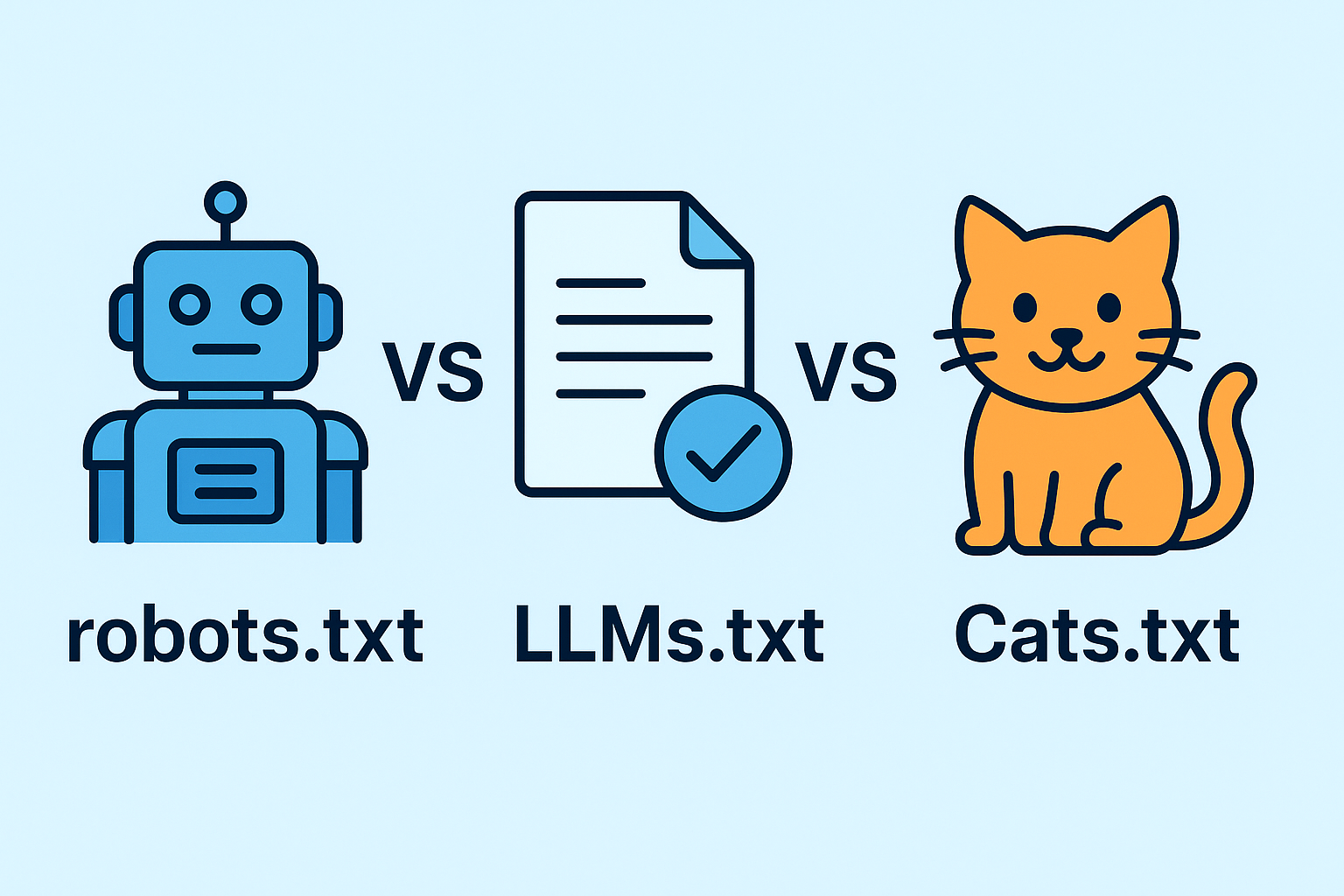
In an era where AI-powered search and content generation are rapidly evolving, site owners must understand how different “.txt” files influence crawling, indexing, and content consumption by large language models (LLMs). In particular, robots.txt, llms.txt, and the hypothetical cats.txt each have distinct purposes. In this blog, we’ll compare these three, explain when and how to use them, and show how they can jointly support your AI SEO strategy.
Table of Contents
-
What Is Robots.txt?
-
What Is LLMS.txt?
-
What Is Cats.txt (Hypothetical)?
-
Key Differences (Robots.txt vs LLMS.txt vs Cats.txt)
-
Purposes & Use Cases in AI SEO
-
Best Practices & Implementation Tips
-
Potential Challenges & Risks
-
Future Outlook
1. What Is Robots.txt?
Definition & Origin
-
robots.txt is a text file placed in the root of a website (e.g.
example.com/robots.txt) that instructs search engine crawlers (bots) which URLs or paths they may or may not access. -
It’s part of the Robots Exclusion Protocol (REP) and has been in use since the mid-1990s.
Syntax & Structure
A typical robots.txt might look like:
User-agent: *
Disallow: /private/
Allow: /public/
Sitemap: https://example.com/sitemap.xml
-
User-agent: which crawler(s) the rule applies to
-
Disallow: paths the crawler should not visit
-
Allow: exceptions to a Disallow rule
-
Sitemap: pointer to the sitemap
Role in SEO
-
Controls crawl budget by preventing crawlers from wasting time on unimportant pages
-
Blocks indexing of sensitive, duplicate or low-value pages
-
Helps reduce server load
-
Ensures that only relevant content gets indexed and surfaced in search results
2. What Is LLMS.txt?
Definition & Motivation
-
LLMS.txt is a proposed new standard aimed at guiding large language models (LLMs) (e.g. ChatGPT, Claude, Gemini) on how to ingest content from websites.
-
It is not about blocking access, but about curating and signaling which content is high-quality and should be considered.
Structure & Format
LLMS.txt is typically in Markdown-like format, for example:
# llms.txt for Example.com
> This file guides AI models how to navigate and select canonical content.
## Overview
– https://example.com/article1.md “Title of Article 1”
– https://example.com/article2.md “Title of Article 2”
## Sections
### Tutorials
– https://example.com/tutorial/intro.md “Intro Tutorial”
– https://example.com/tutorial/advanced.md “Advanced Tutorial”
Key features:
-
H1, H2, H3 headings
-
Blockquote summary
-
Link lists pointing to canonical
.mdcontent (Markdown or equivalent pages) -
A clear content hierarchy and priority
Role in AI & SEO
-
Helps LLMs and AI-based systems find, navigate, and cite your best content
-
Signals canonical “AI-friendly” content that you prefer LLMs to use
-
Supplements — not replaces — existing SEO files (like robots.txt)
-
Aims to influence AI-generated summaries, chat answers, and citations
3. What Is Cats.txt (Hypothetical)?
The term cats.txt is not a known standard (as of now) but can be treated as a hypothetical or use-case–specific file. If someone refers to cats.txt, it might be:
-
A custom file for a particular use (for example, for AI models specialized in categorization or schema guidance)
-
A playful or illustrative placeholder to compare how different
.txtfiles behave
For the sake of comparison, we can imagine cats.txt as a file that:
-
Signals category-level preferences (e.g. “for LLMs that classify content by category, see these category definitions”)
-
Contains mapping of categories, taxonomies, or tag hierarchies
-
Serves internal AI systems or custom agents rather than public search engines
But again: cats.txt is hypothetical, not standard. Use it only in illustrative contexts, or in a custom AI architecture if you choose.
4. Key Differences: Robots.txt vs LLMS.txt vs Cats.txt
| Feature / Dimension | robots.txt | llms.txt | cats.txt (Hypothetical) |
|---|---|---|---|
| Primary Audience | Web crawlers / search engines | Large Language Models / AI systems | Category classifiers / custom AI agents |
| Purpose | Restrict access / inform crawling rules | Curate and prioritize content for AI ingestion | Define content taxonomy or category guidance |
| Syntax / Format | Directive syntax (User-agent, Disallow, Allow) | Markdown-style, headings and link lists | Could use custom structured format (YAML, JSON, Markdown) |
| Blocking vs Signaling | Can block pages | Cannot block — only signal | Usually signaling or mapping |
| Maturity & Adoption | Long-established, supported by major search engines | Emerging; some AI/SEO communities experimenting with it | Experimental / hypothetical |
| Impact on Indexing / AI Output | Direct effect on indexing and crawl control | Indirect effect on AI’s selection and summarization | Indirect—depends on internal AI pipelines |
Important nuance: robots.txt prevents access (when obeyed). llms.txt does not prevent — it guides / signals preference.
5. Purposes & Use Cases in AI SEO
For Robots.txt
-
Prevent low-value pages (e.g. admin pages, staging environments) from being crawled
-
Disallow indexing of duplicate or faceted-filter pages
-
Leave clean, canonical pages for crawlers to focus on
-
Protect private data or backend APIs
For LLMS.txt
-
Highlight your best, most authoritative pages for AI to consume & cite
-
Control content representation in AI-generated answers
-
Aid AI navigation through site structure
-
Reduce the chance that AI will quote poor or outdated pages
-
Promote consistency in citation and content hierarchy
For Cats.txt (If you choose to implement)
-
Serve internal AI modules or taxonomy engines
-
Help a custom AI system interpret content categories or tags
-
Map relationships between topic clusters and content pieces
Together, these files can complement each other: robots.txt ensures clean crawling; llms.txt ensures curated AI ingestion; cats.txt (if used) supports internal classification or agent pipelines.
6. Best Practices & Implementation Tips
robots.txt
-
Always place in the root (
/robots.txt) -
Test your rules using tools like Google’s Robots.txt Tester
-
Be as specific as possible — avoid overly broad Disallow rules
-
Keep sitemap directive to guide crawlers to all important pages
-
Review periodically as site structure evolves
llms.txt
-
Highlight only high-value pages (avoid overloading)
-
Use clear headings and subheadings to structure content
-
Include short summaries / blockquotes to explain sections
-
Use canonical / markdown links when possible
-
Deploy in root:
example.com/llms.txt -
Monitor AI output to see if your pages are being cited
-
Be ready to update if your priorities or content change
cats.txt (If using)
-
Decide on format (YAML, JSON, Markdown)
-
Map categories → content
-
Integrate with your AI stack or knowledge graph
-
Keep it updated as taxonomy evolves
7. Potential Challenges & Risks
-
No guarantee AI will respect llms.txt — It’s a guideline, not an enforcement mechanism
-
Overuse or misuse can lead to confusion or noise if you list too many pages
-
Format inconsistencies may reduce readability by AI agents
-
Conflicting signals — if robots.txt blocks something but llms.txt highlights it, it causes tension
-
Lack of standardization — llms.txt is not universally adopted yet
-
Security risks — do not expose private content in llms.txt
8. Future Outlook
-
As AI becomes more integrated with search, llms.txt could see broader adoption and standardization
-
Search engines may begin to consider or respect
llms.txt-style guidance -
Additional file types (like
cats.txtor others) may emerge as AI agent ecosystems evolve -
Calls for simpler consensus/standards may arise to prevent fragmentation
Conclusion
Understanding Robots.txt vs LLMS.txt vs (hypothetical) Cats.txt is crucial as AI and search continue merging.
-
Use robots.txt to control crawling and indexing.
-
Use llms.txt to curate and prioritize content for AI consumption.
-
Consider cats.txt only if you’re building custom AI or taxonomy systems.
Together, these files (used correctly) help you shape how your site is discovered, understood, and cited — both by traditional search engines and the AI systems of tomorrow.
